
A Wedding Vision Without the Overwhelm.
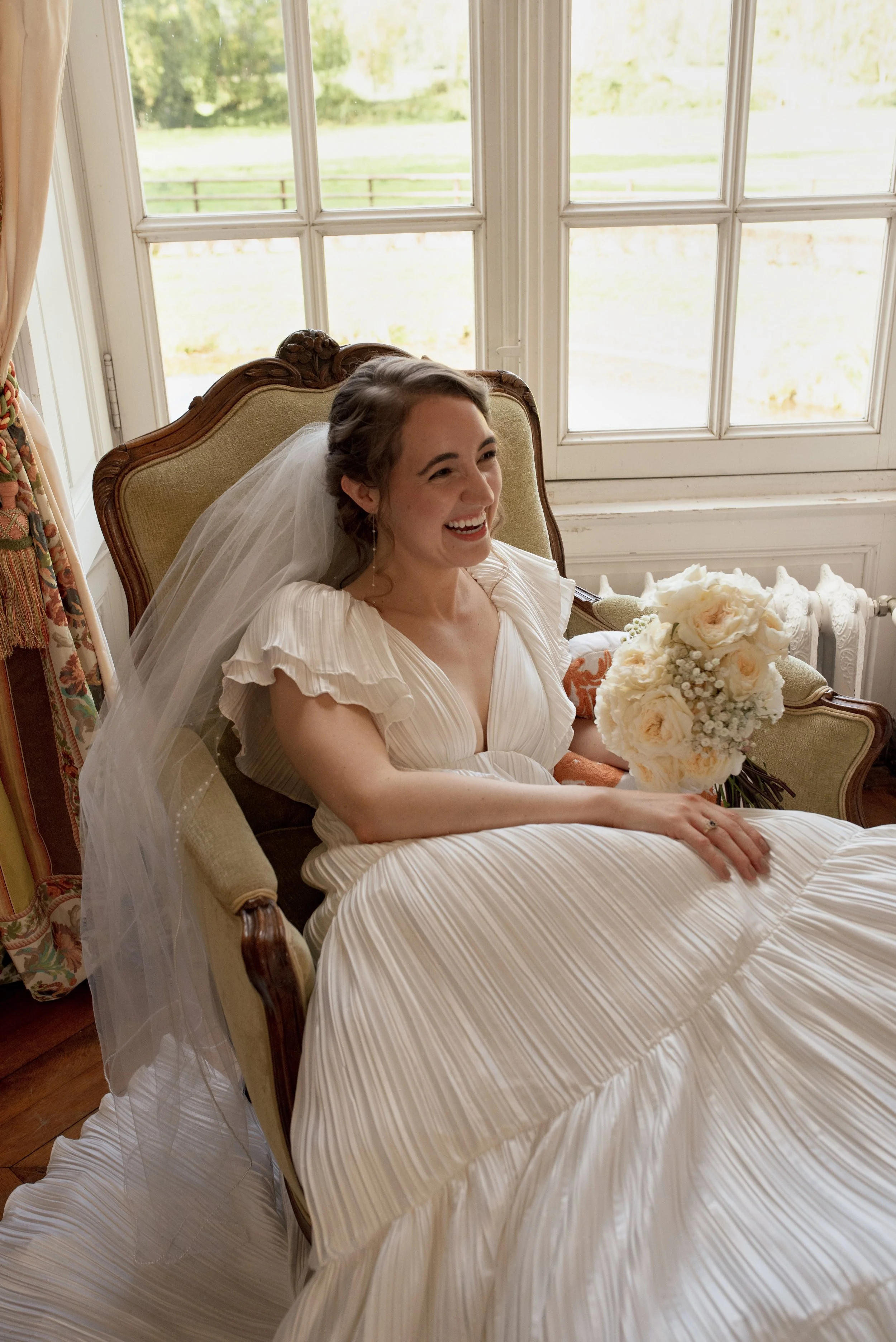
Hi, I’m Lauren—the founder of Mood & Marry.
When I was planning my own wedding in 2023, I realized just how overwhelming the process can be. As an art director with over a decade of experience in the fashion industry, I was used to building visual worlds—styling, directing, and managing large-scale photo and video shoots. That skill set ended up being the key to designing my wedding with clarity and confidence. But I kept thinking: Why isn’t this kind of structure available to other brides who aren’t hiring a $10k designer?
That’s why I created Mood & Marry.
It’s a collection of ready-made and custom wedding design templates built to help brides cut through the Pinterest chaos. These tools are designed to organize your vision, communicate clearly with vendors, and help you make confident decisions—without needing a full-scale planner or spending months in a spreadsheet and screenshot spiral.
My goal is to give you a beautiful, cohesive starting point—and more peace in the planning process.

Why Couples Love it:
✓ No full-service wedding planner required (saving $5k - $10k)
✓ Saves hours of research and organization
✓ Gives you a clear, cohesive design to hand off to vendors
✓ Editable, printable, and super intuitive
Bride math:
Pinterest board with 200 pins ≠ actual wedding design.
Let’s simplify it.
Mood & Marry gives you a clear, concise plan you can actually use.
How it Works:
Choose your template and purchase.
Download the PDF and click on the link to access your Canva template, and begin editing!
If you are happy with the PDF as is, you can go ahead and send it to your vendors!
To customize the template, click on the link, and create a free Canva account with a username and password. You'll need to use the Canva web browser editor on a desktop, laptop computer or iPad, editing in your browser or app.
Add your own image, change colors, fonts, text, and layout to suit your vision. New to Canva? Check out this free course or this quick video to get started.
Save your template to resume editing at a later date or time.
After completing the editing of your template, save and download it.
Choose save as PDF formats to send a digital version to your vendors or print.
Shop the Designs

Whimsical and full of bloom, Garden Party is a celebration of flowers, sunshine, and romance. This template features a feminine palette and curated inspiration for a wedding that feels fresh, organic, and timeless.
Style Profile – Who It’s For:
For the bride who loves peonies, picnics, and prosecco in the garden. You’re all about lush florals, charming outdoor spaces, and a touch of vintage flair.
What’s Included:
18-page editable Canva template
Soft, floral-focused mood board
Color palette: blush, sage, berry, soft gold
Vendor brief pages
Printable & shareable PDF
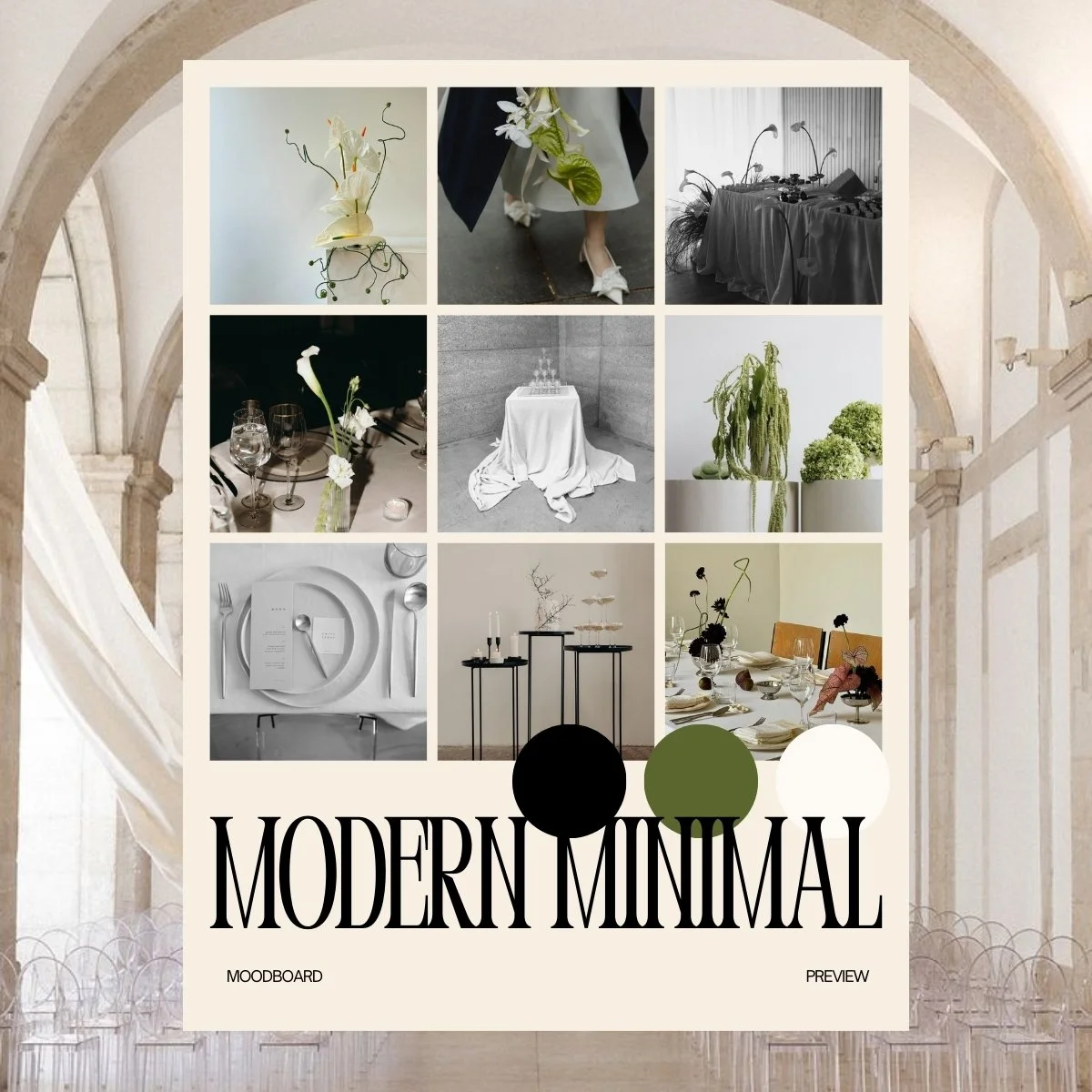
Modern Minimal is sleek, stylish, and perfectly curated. Featuring an understated palette and sculptural inspiration, this wedding design template helps you plan with purpose and communicate your vision without clutter.
Style Profile – Who It’s For:
Made for the modern couple who values design, space, and simplicity. You love neutral tones, architectural details, and a polished, intentional aesthetic.
What’s Included:
18-page editable Canva template
Curated modern mood board and palette
Colors: cream, clay, black, olive
Vendor-ready PDF file
Fully editable and easy to customize
FAQs
-
Right after checkout, you’ll receive a confirmation email with a link to access your digital files. For all template products, this includes a Canva link and a downloadable PDF.
If you don’t see the email within a few minutes, be sure to check your spam or promotions folder, or reach out to us directly and we’ll resend it! -
Great question! Here’s a quick breakdown:
DIY Template ($25): A blank editable Canva file you fill in yourself with your own inspiration and notes.
Pre-Made Design ($35): A fully curated wedding aesthetic—mood board, color palette, and vendor briefs—all done for you and editable.
Custom Design ($75): We create a one-of-a-kind wedding design just for you, based on your survey answers. You’ll receive a personalized Canva file + PDF.
-
Nope! All of our templates are fully editable using Canva’s free account. Once you click the link, Canva will prompt you to make a copy of the file so you can customize it as much (or as little) as you'd like.
-
Once you complete your style survey (sent right after purchase), you’ll receive your custom wedding design within 3–5 business days.
We’ll reach out if we need any extra info, and you’ll be notified via email as soon as your design is ready to view and download. -
Absolutely. Every element in the template is editable, from photos and fonts to color palettes and layout. You can personalize as much or as little as you want to make it feel like you.
Our pre-made templates come beautifully curated and ready to use, but you’re always welcome to tweak the details. -
Yes! That’s exactly what they’re made for.
Each design includes clearly labeled vendor briefing sections, so you can easily hand off your vision to your florist, rental team, caterer, or venue without needing to explain everything multiple times.
You can send them as a printable PDF or as a shareable Canva link if you want them to collaborate digitally.
Still have questions? Check out our getting started guide or email us at info@moodandmarry.com